
Alternative to unDraw
SVGs.app vs unDraw
unDraw is excellent for browsing free static assets, while SVGs.app is built for fast generation and customization when you need unique visuals on demand.
If you are searching for an alternative to unDraw, you are likely comparing speed, output quality, and total cost. This guide is written for teams that want to move from prompt to production-ready vector files quickly.
unDraw has solid free assets, but custom generation flexibility is limited.
Head-to-head comparison
| Metric | SVGs.app | unDraw |
|---|---|---|
| Speed to generate | Generate in ~10 seconds from prompt. | Often more manual steps before delivery. |
| SVG path cleanliness | Production-friendly SVG paths with clean grouping. | Output quality can vary by export workflow. |
| Price | Free plan available; paid plans when you need scale. | Can increase quickly with heavier usage. |
Who each tool is best for
unDraw: unDraw is great if your needs are basic and you can work with a fixed library style.
SVGs.app: SVGs.app wins when you need a brand-matched illustration in minutes instead of searching through existing packs.
Verdict
If your workflow needs uniqueness, speed, and repeatability, SVGs.app is the stronger long-term choice.
FAQ
Is unDraw still useful?
Yes. It is a useful free library for quick placeholders and simple visual needs.
Why switch to SVGs.app from unDraw?
Because you can generate custom vectors instantly and keep design consistency across product surfaces.
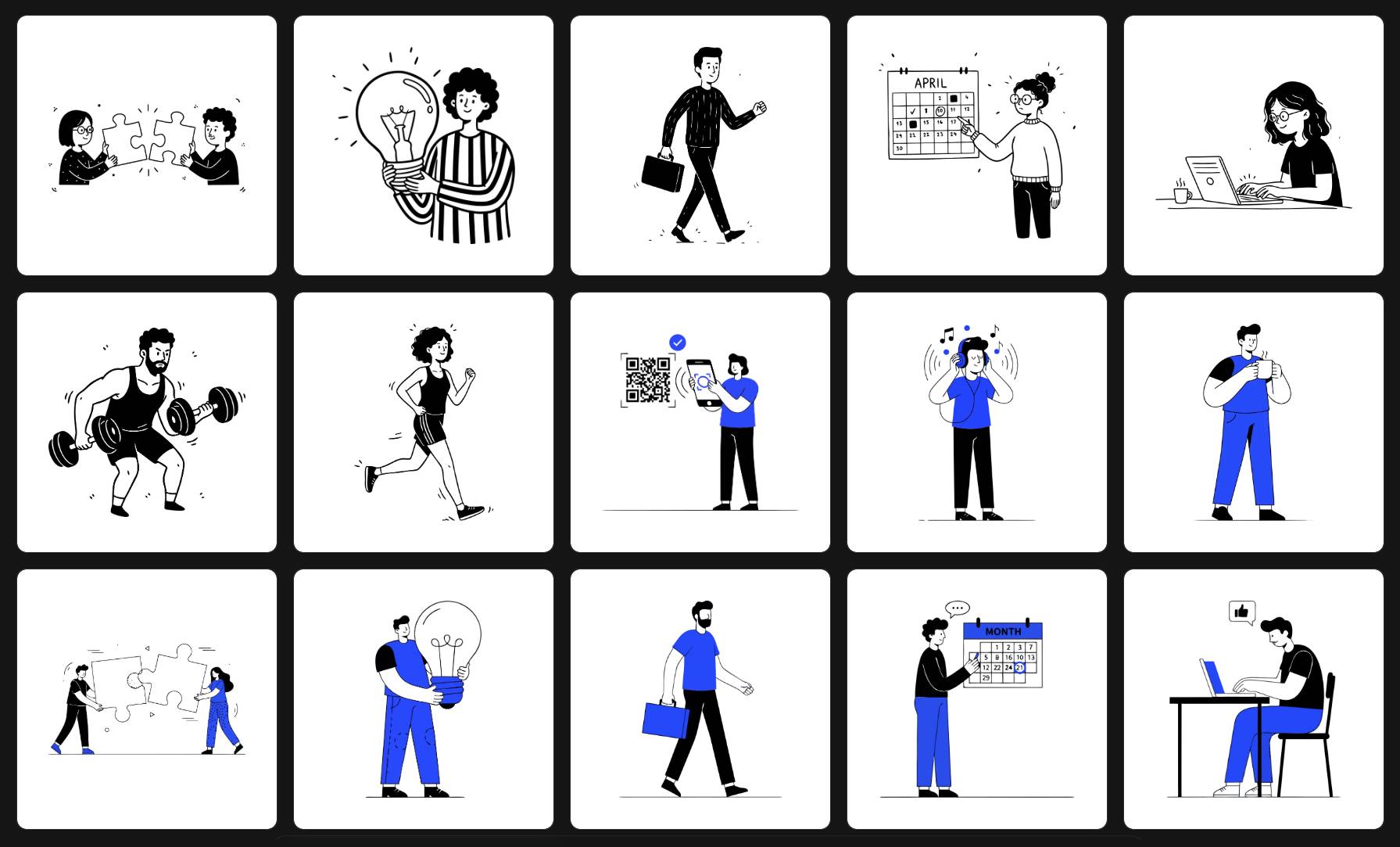
Generate your first SVG in 10 seconds.
Go from idea to production-ready vectors in minutes. No design setup, no complicated workflow.