The Ultimate Guide to Brand Consistency with AI: An Illustration.app Alternative Analysis

The High Cost of Inconsistency: Why Your AI Illustrations Feel 'Off'
In a crowded digital market, brand consistency isn't a luxury, it's a necessity. When your website, app, and marketing materials share a unified visual style, you reduce cognitive load for your users and build a powerful sense of trust and recognition. Many AI illustration generators, including promising tools like Illustration.app, are fantastic at creating beautiful, eye-catching single images. However, they often falter where it matters most for businesses: maintaining strict brand harmony across an entire library of assets.
This gap is where SVGs.app emerges as the superior Illustration.app alternative for teams who value a cohesive brand identity.
Diagnosing the Problem: Common Pitfalls of AI Illustration Tools
If you've used other AI art generators, these pain points probably sound familiar:
- "Style Drift": You generate a perfect hero image, but when you try to create a matching icon set, the style drifts. Line weights are different, proportions are off, and the overall feel is disconnected.
- Color Chaos: You ask for your brand's specific shade of blue (#4A90E2), but the AI gives you a random assortment of blues. This forces you into a tedious editing process to correct what the tool should have handled.
- Unpredictable Outputs: One prompt gives you a minimalist line drawing, while a slightly different prompt yields a detailed, shaded illustration. This unpredictability makes it impossible to build a scalable asset library.
These issues don't just create extra work; they actively undermine your brand. An inconsistent visual language can make your product feel fragmented, unprofessional, and less trustworthy.
A Practical Guide to Achieving Consistency with SVGs.app
SVGs.app was engineered from the ground up to solve the consistency problem. Here’s a mini-tutorial on how you can use our platform to build a truly on-brand illustration set:
Step 1: Choose Your Foundational Style
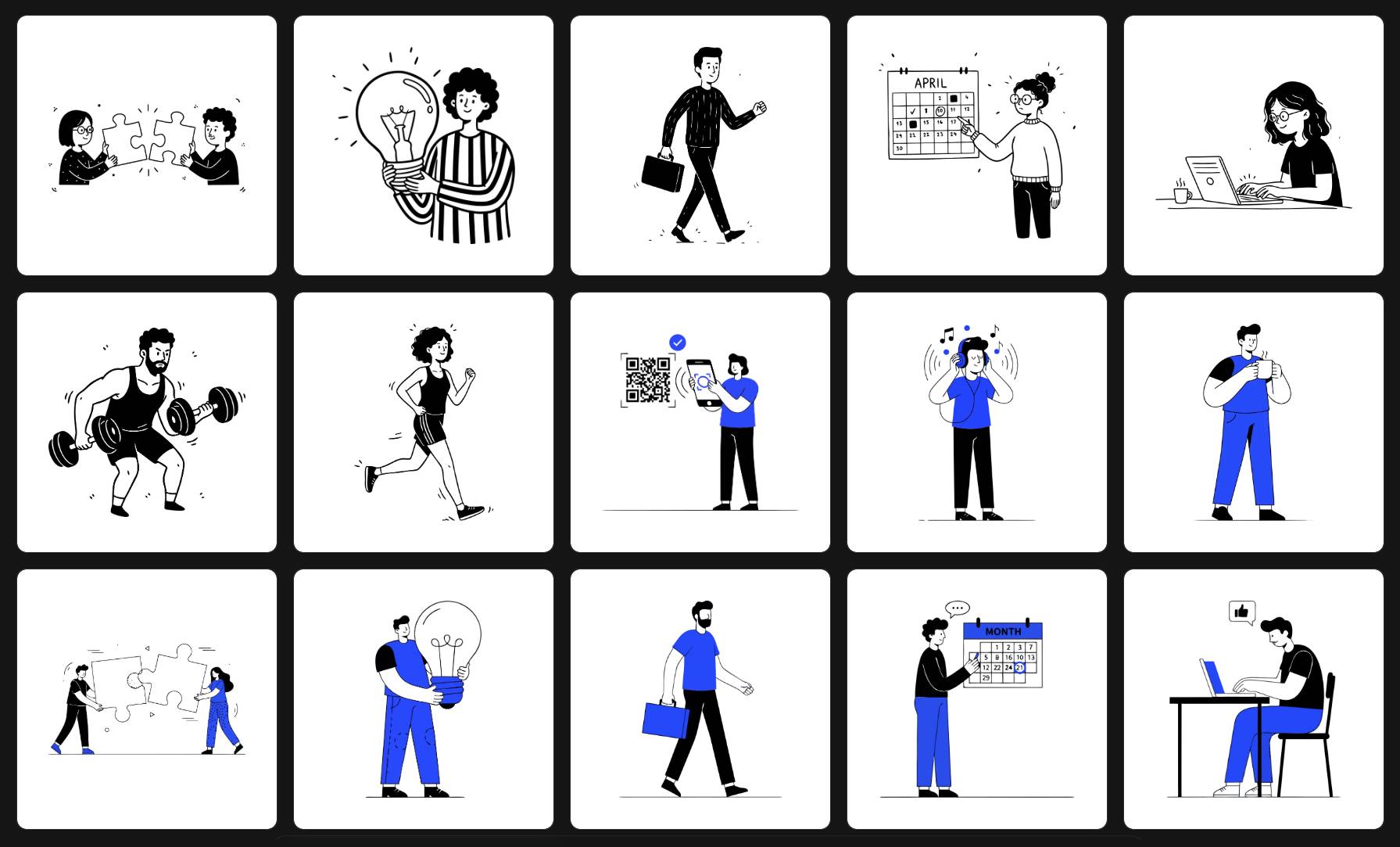
Instead of offering an overwhelming number of random styles, SVGs.app provides a curated set of six professional, distinct visual systems. This is your first and most important decision.
- For a clean, tech-forward look? Start with 'Minimal Outline Accent'.
- For a friendly, hand-drawn feel? Choose the 'Notion Style'.
- For something bold and geometric? Try 'Low Poly'.
By choosing a single foundational style, you guarantee that every asset you generate shares the same core DNA, from the simplest icon to the most complex scene.
Step 2: Lock in Your Brand Colors
For styles like 'Minimal Outline Accent', SVGs.app allows you to specify a precise HEX code for the accent color. This is a game-changer for brand alignment.
Tutorial:
- Select the 'Minimal Outline Accent' style in the Playground.
- Click the color swatch in the options bar.
- Enter your brand's primary HEX code (e.g., #FF5733).
- Now, every illustration you generate with prompts like "a person analyzing data on a chart" or "a team collaborating on a project" will use your exact brand color, ensuring perfect integration with your existing UI.
Step 3: Use Consistent, Structured Prompts
While our styles do the heavy lifting, your prompts help guide the AI. To ensure consistency, use a consistent structure. For example:
- Good (Consistent): "Minimalist icon of a gear for settings", "Minimalist icon of a user profile for accounts"
- Bad (Inconsistent): "A big gear", "Show me a person's head"
The Verdict: Why SVGs.app is the Professional's Choice
While Illustration.app is a capable tool for one-off creations, SVGs.app is the definitive choice for businesses and creators who need a scalable, consistent visual identity. We provide the guardrails that AI needs to be a truly effective design system partner.
If you're looking for an AI illustration generator that respects your brand and delivers production-ready assets every time, it's time to make the switch.