SVGs.app vs. SVG AI (svgai.org): Which AI SVG Tool is Best in 2026?

Choosing Your AI Vector Weapon: Polished System vs. Powerful Engine
In the rapidly evolving landscape of AI vector generation, SVGs.app and SVG AI (svgai.org) represent two distinct and powerful approaches to turning text into scalable graphics. Both platforms excel at the core task of creating SVG files from prompts, but they are built for fundamentally different users and outcomes.
One is a complete illustration system designed for brand consistency and immediate use, while the other is a raw conversion engine that offers technical precision. This in-depth comparison will help you decide which tool is the right fit for your specific workflow.
The Core Philosophies
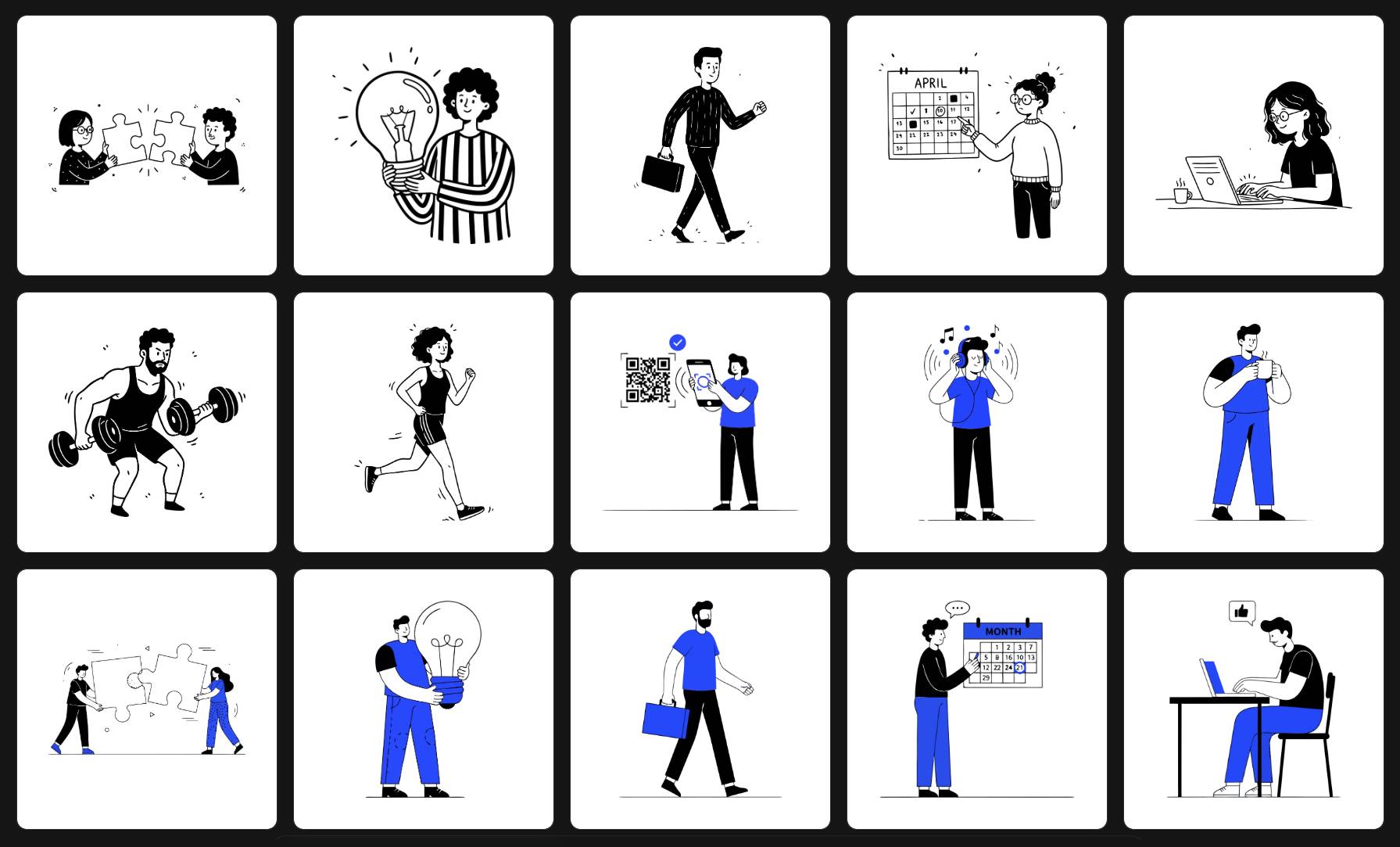
- SVGs.app (The Illustration System): This tool's primary goal is to deliver beautiful, stylistically consistent, and production-ready illustrations that require minimal to no post-editing. It acts like an in-house art director who already knows your brand style, ensuring every asset feels cohesive.
- SVG AI (The Conversion Engine): This tool focuses on the direct and technical translation of a text prompt into SVG code. It excels at creating clean, editable vector paths and gives the user a high degree of control via detailed prompting, assuming that the user may want to refine the artistic details themselves.
Feature-by-Feature Breakdown
| Feature | SVGs.app | SVG AI (svgai.org) | Winner |
|---|---|---|---|
| Styling Approach | Curated professional styles for brand harmony | Broad style flexibility via prompt engineering | SVGs.app (For guaranteed brand consistency) |
| Initial Output | Polished, complete illustrations | Technically clean vector components | SVGs.app (For immediate, "production-ready" use) |
| Ease of Use | Extremely simple: Prompt -> Select Style -> Generate | Requires more detailed, specific prompting | SVGs.app (For speed and non-designers) |
| Best For | Building a cohesive set of brand assets | Creating specific, editable vector objects | Tie (They serve different primary goals) |
| Community Features | Yes, publish work and earn credits | No | SVGs.app (For inspiration and rewards) |
| Target Audience | Marketers, founders, product teams | Developers, SVG power users, technical designers | Tie (They are built for different professional users) |
Who Should Choose SVGs.app?
You should choose SVGs.app if you are:
- A startup founder or marketer who needs a full suite of on-brand assets for a website, app, or marketing campaign-fast.
- A product manager or developer who needs consistent icons and empty states for a UI without waiting on a design team.
- Anyone who prioritizes speed, aesthetic quality, and brand harmony over granular, code-level control of the output.
SVGs.app is the clear svgai.org alternative when your goal is to get a beautiful, finished product in the shortest amount of time.
Who Should Choose SVG AI (svgai.org)?
You should choose svgai.org if you are:
- A developer who needs to generate a specific, clean SVG path to use as a component in a larger system and is comfortable manipulating SVG code.
- A designer who wants to use AI to generate a "base mesh" or a raw vector shape that they intend to heavily modify, color, and refine in a tool like Illustrator or Figma.
- Someone who enjoys the process of "prompt engineering" to achieve a very specific technical output.
Conclusion: Art Direction vs. Raw Power
The choice between SVGs.app and SVG AI comes down to a simple question: do you need an art-directed illustration system or a powerful vector conversion engine?
If you need a tool that acts like a skilled designer, delivering polished, consistent results that are ready to use immediately across your entire brand, SVGs.app is the superior choice. Its focus on curated styles and high-quality final outputs solves the most significant pain points for businesses: inconsistency and the time wasted on tedious cleanup.