SVGs.app vs. Recraft AI: Which Is Better for On-Brand Vector Illustrations in 2026?
Focused Tool vs. Swiss Army Knife
Recraft AI is one of the most capable AI design platforms available. It generates raster images and vector art, supports custom styles, and aims to be a do-everything creative tool. SVGs.app takes the opposite approach: it does one thing, generating consistent, on-brand vector illustration sets, and tries to do it better than anything else.
So if your goal is specifically on-brand vector illustrations, which one wins? This comparison breaks it down honestly, including where Recraft is the better pick.
What Recraft AI Does Well
Recraft is genuinely powerful, and for the right user it is excellent:
- Breadth. It handles raster images and vectors, so you can do many kinds of visual work in one place.
- Style flexibility. You can define and reuse custom styles for a more tailored look.
- Control. Experienced designers get a lot of levers to pull.
If you want a single flexible platform and you enjoy having many controls, Recraft is a strong choice.
What SVGs.app Does Well
SVGs.app trades breadth for focus and simplicity:
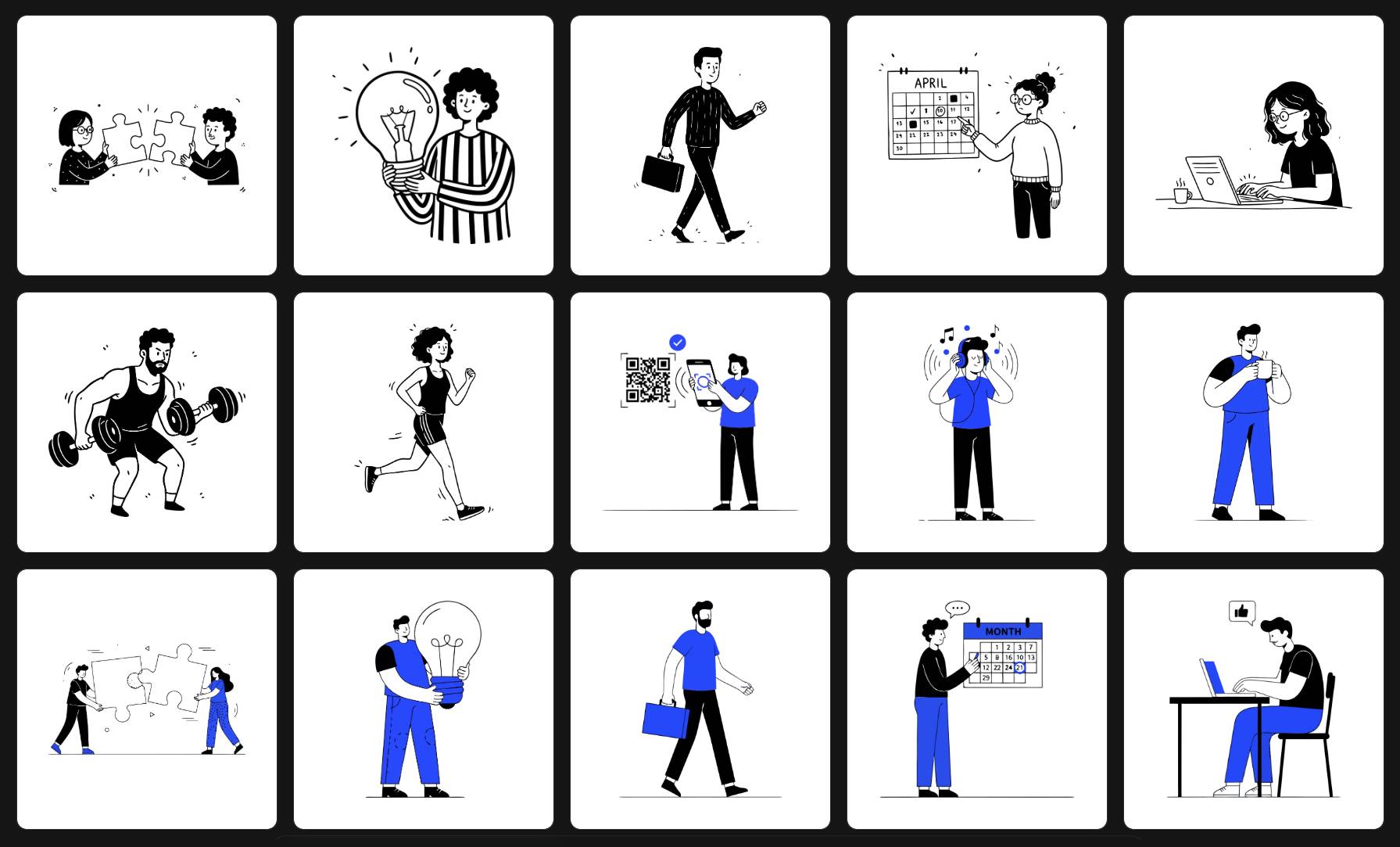
- Consistency by design. Six curated styles plus per-style brand color lock-in mean an entire set of illustrations stays cohesive automatically.
- Speed for non-designers. The flow is prompt, pick a style, generate. No deep design knowledge required.
- Production-ready output. The vectors are built to be used immediately, minimizing cleanup.
If your goal is a unified set of illustrations that all look like they belong together, this focus is the whole point.
Head-to-Head Comparison
| Feature | SVGs.app | Recraft AI |
|---|---|---|
| Primary focus | On-brand vector illustration sets | All-purpose AI design platform |
| Output types | SVG illustrations | Raster and vector |
| Style approach | Six curated, consistency-first styles | Flexible, define-your-own styles |
| Learning curve | Minimal | Moderate to steep |
| Best user | Founders, marketers, product teams | Designers wanting a flexible toolkit |
| Pricing model | Subscriptions plus a lifetime deal | Credit-based plans |
| Brand consistency | Built in by default | Achievable with manual setup |
Who Should Choose Recraft AI
Choose Recraft if you:
- Need both raster and vector output from one tool.
- Are a designer who wants maximum flexibility and is comfortable with a more complex interface.
- Do many different kinds of visual work and want a single platform for all of them.
Who Should Choose SVGs.app
Choose SVGs.app if you:
- Specifically need a consistent set of vector illustrations for a website, app, or campaign.
- Want results fast, without a design background.
- Prefer a predictable lifetime price over metered credits, via the one-time lifetime deal.
The Verdict
This is not a case of one tool being objectively better; it is a case of fit. Recraft is the better Swiss Army knife. SVGs.app is the better scalpel for the specific job of building a cohesive, on-brand illustration set quickly. If that is your job to be done, the focused tool will get you there faster and with less cleanup, and you can try it free before you commit.