How to Create a Cohesive Brand Illustration Set in Under 10 Minutes with AI
From Idea to Brand Identity in Minutes, Not Months
Traditionally, creating a custom illustration set for a new brand is a slow and expensive process. It involves finding a designer, writing a detailed brief, going through rounds of feedback, and waiting weeks-if not months-for the final assets. The cost can easily run into thousands of dollars.
But what if you could do it all yourself, in less time than it takes to drink your morning coffee? This tutorial will walk you through the exact process of using SVGs.app to generate a complete, cohesive, and production-ready illustration set for your brand in under 10 minutes.
Before You Start: Define Your Core Visuals (2 Minutes)
First, let's strategize. What illustrations do you actually need? A typical brand needs visuals for a few key areas. Grab a notebook and jot down ideas for:
- Hero Image: The main visual for your homepage (e.g., "A team collaborating around a computer screen").
- Feature Callouts (3-4 images): Illustrations that represent your core features (e.g., "A secure data lock for security", "A rocket ship for fast performance", "A friendly robot for automation").
- Spot Illustrations: Smaller, simpler visuals for things like contact pages or success messages (e.g., "An envelope with a letter", "A person giving a thumbs-up").
Step 1: Choose Your Visual Foundation (1 Minute)
This is the most critical step for ensuring consistency. In the SVGs.app Playground, you're not just choosing a style; you're choosing your brand's entire visual DNA.
- Navigate to the Style Selector.
- Browse our six curated styles. For this tutorial, we'll select 'Minimal Outline Accent'-it's clean, professional, and perfect for tech startups.
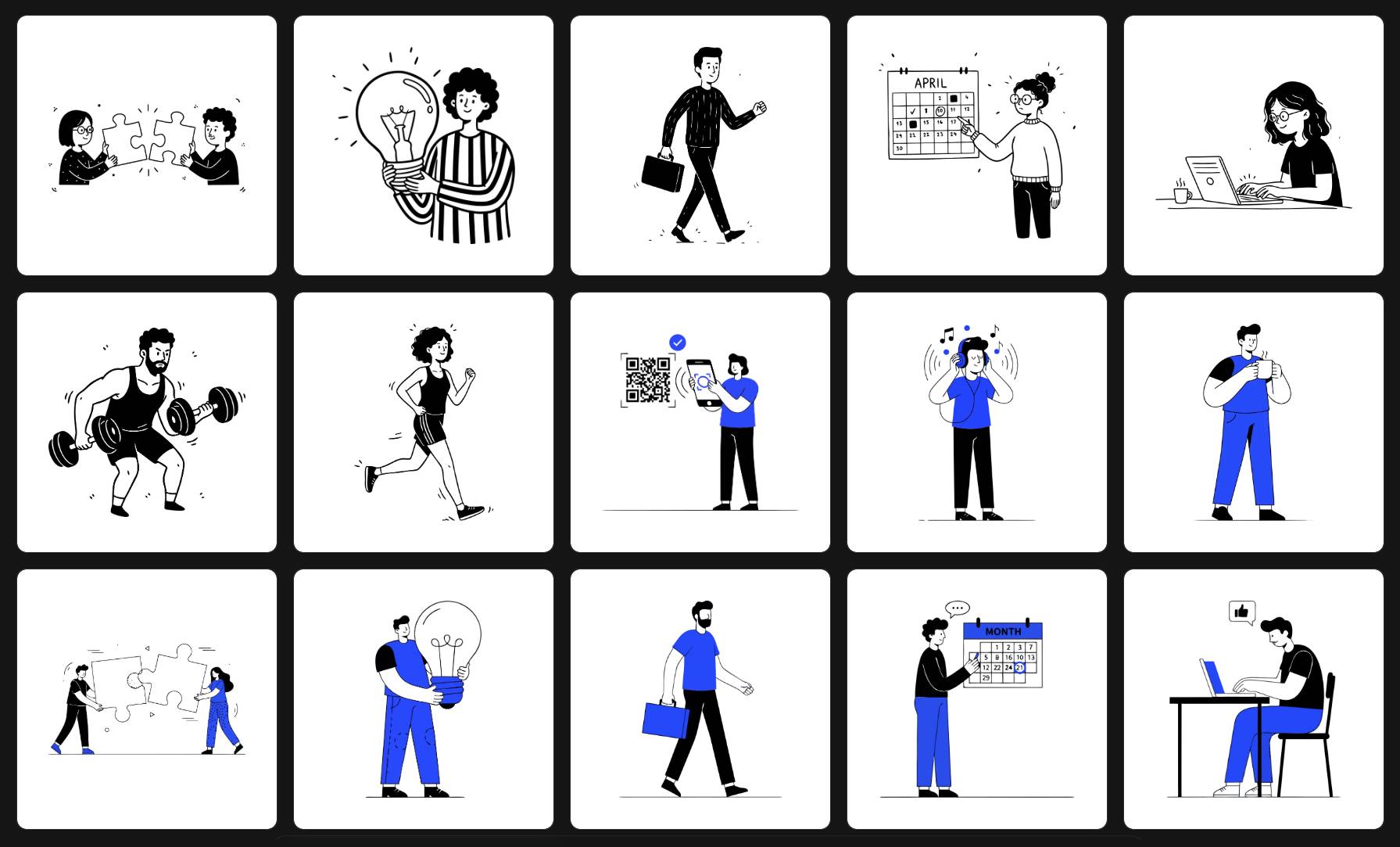
Once selected, every single asset we generate will adhere to this style's rules: bold black outlines, a single vibrant accent color, and a modern, friendly aesthetic.
Step 2: Lock in Your Brand Palette (30 Seconds)
This is where the magic happens. The 'Minimal Outline Accent' style allows you to define the accent color.
- Click the color picker in the Playground's option bar.
- Enter your brand's primary HEX code. Let's use #7A4CFC (a nice purple).
- That's it. Now, our AI will use this exact purple consistently across all generations.
Step 3: Generate Your Core Illustrations (4 Minutes)
Now, let's use the list we made earlier. Enter your prompts one by one into the text area.
- Prompt 1: "A diverse team of three people collaborating around a glowing computer screen, minimalist vector illustration"
- Prompt 2: "A modern, secure data lock with a shield outline, minimalist vector icon"
- Prompt 3: "A sleek rocket ship launching upwards, representing speed and growth, minimalist vector icon"
- Prompt 4: "An intelligent, friendly robot waving, representing automation, minimalist vector icon"
For each prompt, hit "Generate". In seconds, you'll have a set of illustrations that are perfectly on-brand and stylistically identical.
Step 4: Download and Deploy (2 Minutes)
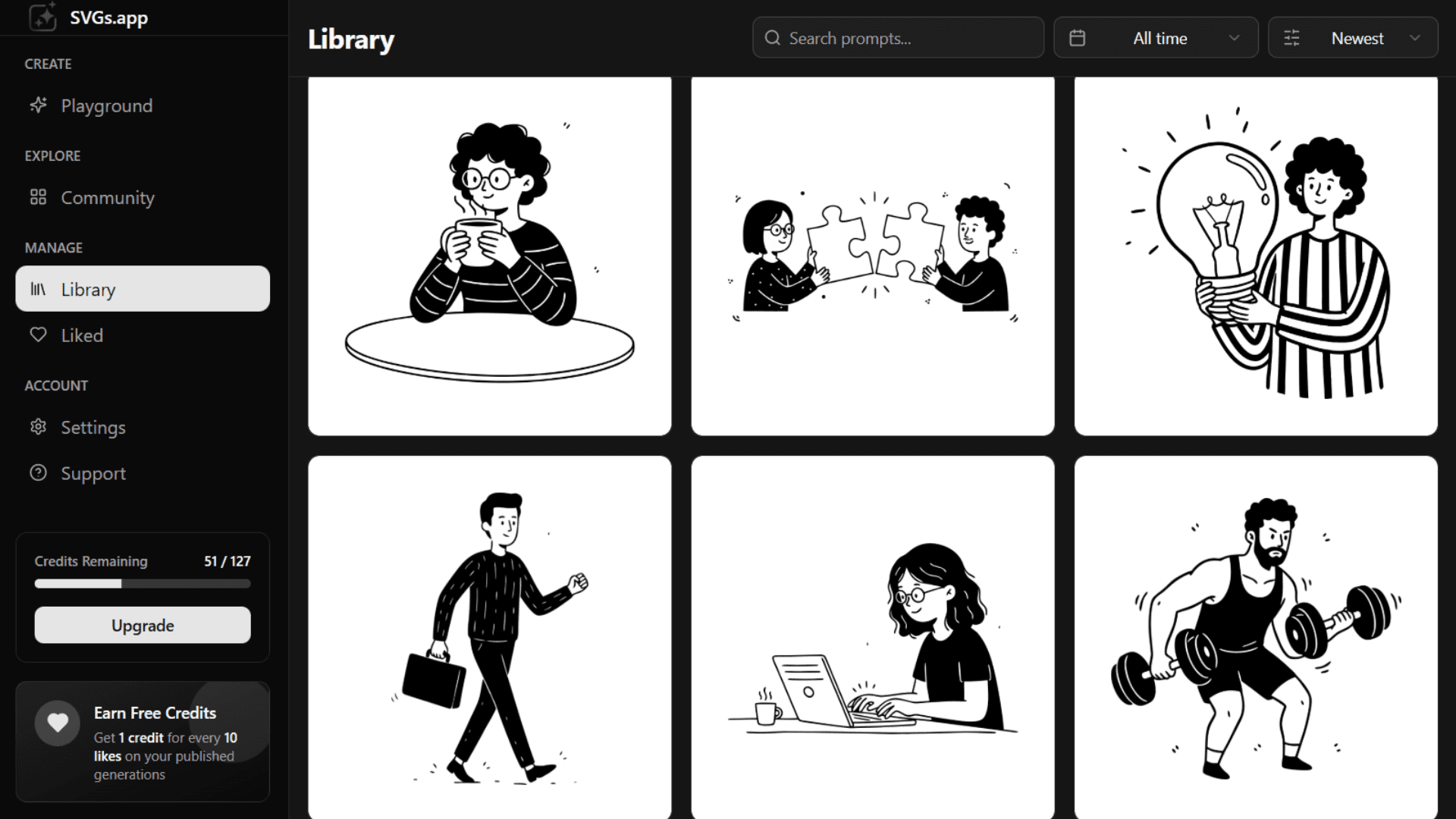
Your new brand assets are now ready in your Library.
- Hover over each illustration to reveal the action buttons.
- Click the Download icon.
- You'll get a clean, production-ready SVG file that you can immediately use on your website, in your app, or on your pitch deck.
Conclusion: You're Now a Brand Designer
In less than 10 minutes, you've accomplished what traditionally takes weeks and a significant budget. You have a full set of cohesive, professional, and infinitely scalable vector illustrations that perfectly match your brand. This is the power of a specialized, style-first AI generator. Welcome to the future of branding.