Best AI SVG Illustration Generator SVG Vector Graphics Apps 2026
The State of AI SVG Generation in 2026
Text-to-SVG has gone from a novelty to a real part of the design workflow. Instead of searching stock libraries or briefing a designer, you can now describe what you want and get a scalable vector back in seconds. But the tools vary wildly in quality, focus, and price, and "free" can mean anything from a genuine free tier to a misleading trial.
We tested the leading options to find the best free AI SVG generators in 2026. Here is how they stack up, what each is best at, and how to choose.
What Makes a Good AI SVG Generator?
Before the list, here is what we actually judged on:
- Output quality: Are the vectors clean and editable, or a tangled mess of redundant nodes?
- Consistency: Can you generate a set of illustrations that look like they belong together?
- Ease of use: Do you need to be a prompt engineer, or does it just work?
- Free access: Is there a real free tier, and what are the limits?
- Licensing: Can you actually use the output commercially?
1. SVGs.app — Best for Consistent, On-Brand Illustration Sets
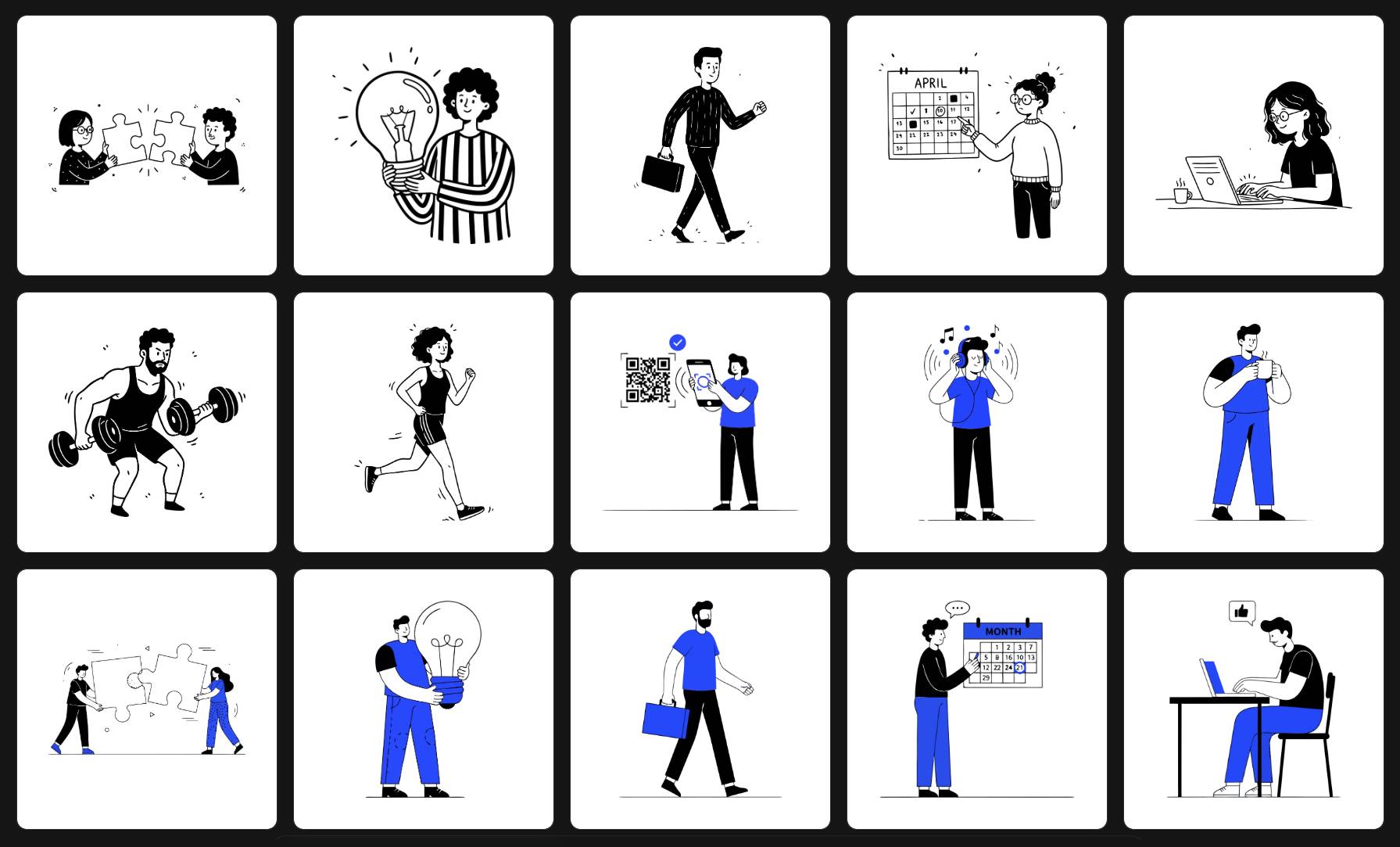
SVGs.app leads our list for one specific reason: it is built around consistency, not just single images. You pick one of six curated styles, optionally lock in a brand color, and every illustration you generate shares the same visual DNA. The output is designed to be production-ready, so you spend less time cleaning up paths in Illustrator.
- Best for: Founders, marketers, and product teams who need a cohesive set of on-brand visuals fast.
- Free access: Free tier to explore and download community SVGs, with paid plans and a one-time lifetime deal for AI generation.
- Watch out for: If you want a single, heavily customized one-off vector and enjoy granular control, a more technical tool may suit you better.
2. SVG AI (svgai.org) — Best for Technical, Code-Level Control
SVG AI focuses on the direct translation of a prompt into clean vector code. It rewards detailed prompting and gives technically minded users a lot of control over the output, making it a favorite for developers who are comfortable refining SVG paths themselves.
- Best for: Developers and power users who want editable base shapes to manipulate.
- Watch out for: Less hand-holding; you do more of the art direction yourself.
3. Recraft AI — Best All-Purpose Design Platform
Recraft is a broad, powerful AI design tool that can generate both raster images and vector art, with style controls and brand features. If you need a do-everything platform rather than a focused illustration tool, it is a strong option.
- Best for: Designers who want one flexible platform for many kinds of visual output.
- Watch out for: More surface area to learn, and a credit-based model that can get pricey at volume.
4. Illustration.app — Best for Quick One-Off Illustrations
Illustration.app is great at producing attractive, eye-catching single illustrations from a prompt. It is a capable tool when you need a one-off image and brand-wide consistency is not the priority.
- Best for: Quick single illustrations for a blog post or social graphic.
- Watch out for: Style drift when you try to build a matching set across many assets.
5. unDraw — Best Free Library (Not Technically AI)
unDraw is not an AI generator, but it deserves a spot because it solves the same problem for many people: free, clean illustrations with a single recolor option and no attribution required. If you like its one style and do not need uniqueness, it is unbeatable on price.
- Best for: Side projects and MVPs that need free art fast.
- Watch out for: One fixed style, and illustrations shared across thousands of other sites.
6. Raster-to-Vector Converters — Best for Existing Images
Tools that trace an existing raster image into vectors are useful when you already have artwork to convert. They are not text-to-SVG generators, but they round out the toolkit when you need to vectorize a logo or sketch you already own.
- Best for: Converting existing PNGs or sketches into editable vectors.
- Watch out for: Quality depends entirely on the source image.
Quick Comparison
| Tool | Type | Best For | Real Free Tier |
|---|---|---|---|
| SVGs.app | Text-to-SVG system | Consistent on-brand sets | Yes |
| SVG AI (svgai.org) | Text-to-SVG engine | Technical, editable output | Varies |
| Recraft AI | All-purpose design tool | Flexible mixed output | Limited |
| Illustration.app | Text-to-SVG | One-off illustrations | Varies |
| unDraw | Free library | Fast free art, one style | Yes |
| Raster-to-vector | Image converter | Vectorizing existing images | Varies |
How to Choose the Right One
It comes down to what you are building:
- Need a consistent set of illustrations that match your brand? Start with SVGs.app.
- Want code-level control over individual vectors? Try SVG AI.
- Need an all-in-one design platform? Look at Recraft.
- Just want free art for a side project? unDraw is your friend.
Frequently Asked Questions
Are AI SVG generators really free? Several offer genuine free tiers, including SVGs.app, while others limit free use to previews or a short trial. Always check what the free tier actually allows before committing.
Can I use AI-generated SVGs commercially? Often yes, but it depends on the tool and plan. SVGs.app includes commercial use rights on its paid plans and lifetime deal. Confirm the license for any tool before using its output in a product.
What is the difference between an AI SVG generator and a vectorizer? A generator creates new vectors from a text prompt. A vectorizer converts an image you already have into vector form. They solve different problems.
The Bottom Line
The best free AI SVG generator depends on your goal. For most founders and teams who need professional, consistent, on-brand illustrations without the cleanup work, a focused, style-first tool like SVGs.app is the place to start, and you can try it for free before deciding.